
Everything you’ve copied, put away.
Clipboard manager for macOS
Coming soon to the Mac App StoreYour Mac only remembers the last thing you copied. MemorGi turns every ⌘C into a card and puts it in a compartment of its own. Press ⇧⌘V to open the box and take whichever one you want.
Coming soon to the Mac App StoreTry it: long-press to select some text, tap Copy, and it lands in the box.This happens only in your browser. Nothing is sent anywhere.

Try it: copy any text on this page and watch it drop into the box.This happens only in your browser. Nothing is sent anywhere.
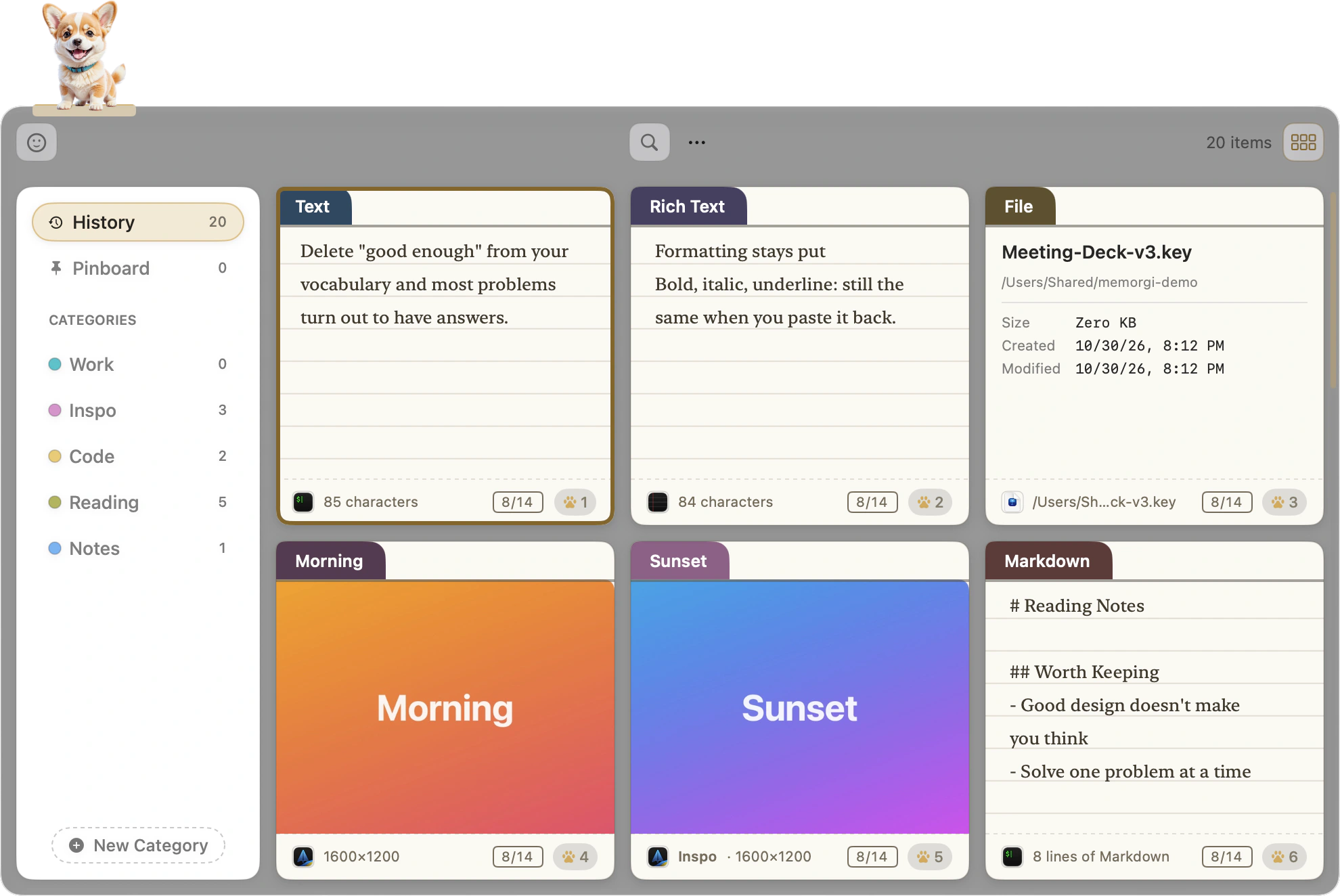
Everything you copy, recognizable at a glance.
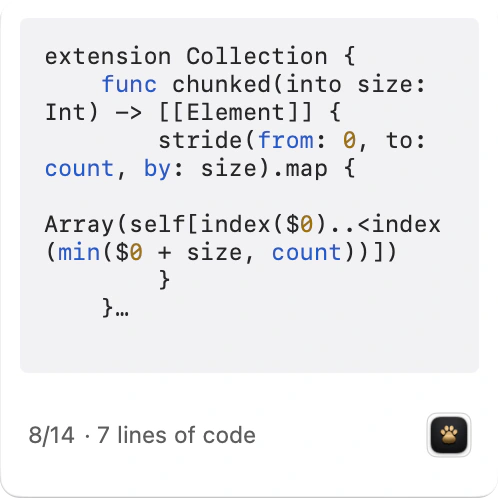
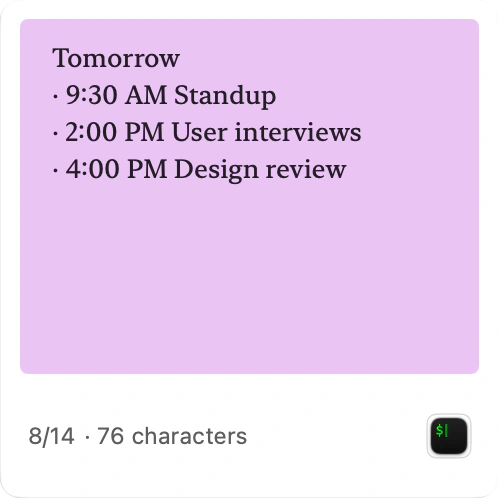
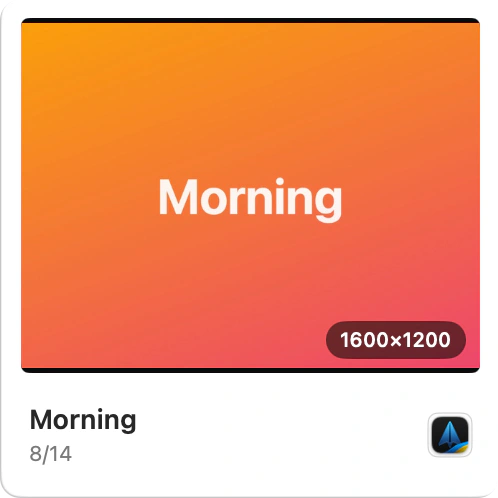
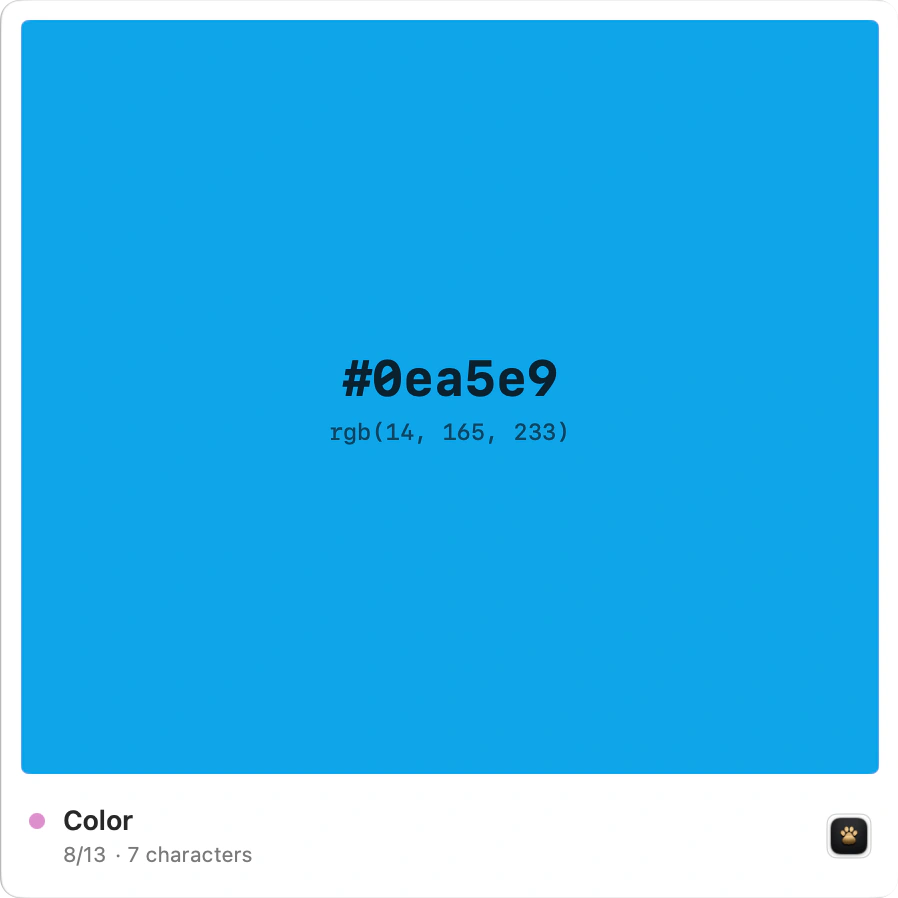
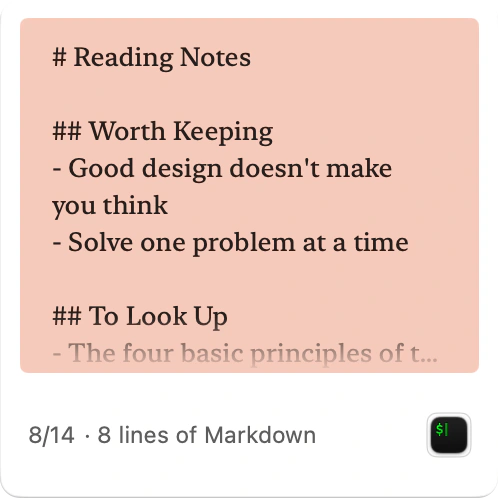
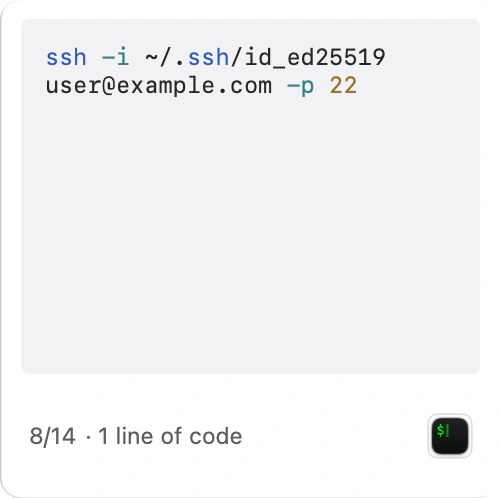
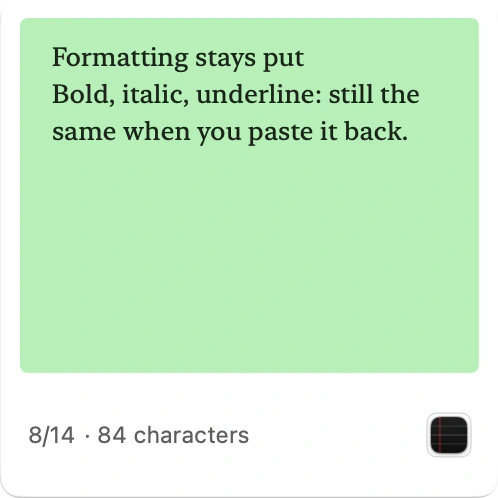
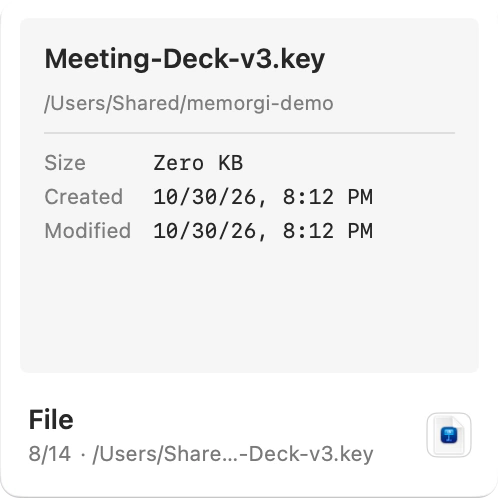
Not a column of identical gray text. Images look like images, code gets syntax colors, and a hex code turns into the color itself. Recognizing is faster than reading.
One box, four jobs.
Find
Open the panel and just type. A few letters find it among thousands, and text inside images is searchable too. All of it happens on your Mac.

Keep
Pin the ones you use most. Make a category of your own, then drag a card in to file it. Old history clears itself out, and pinned cards stay for good.
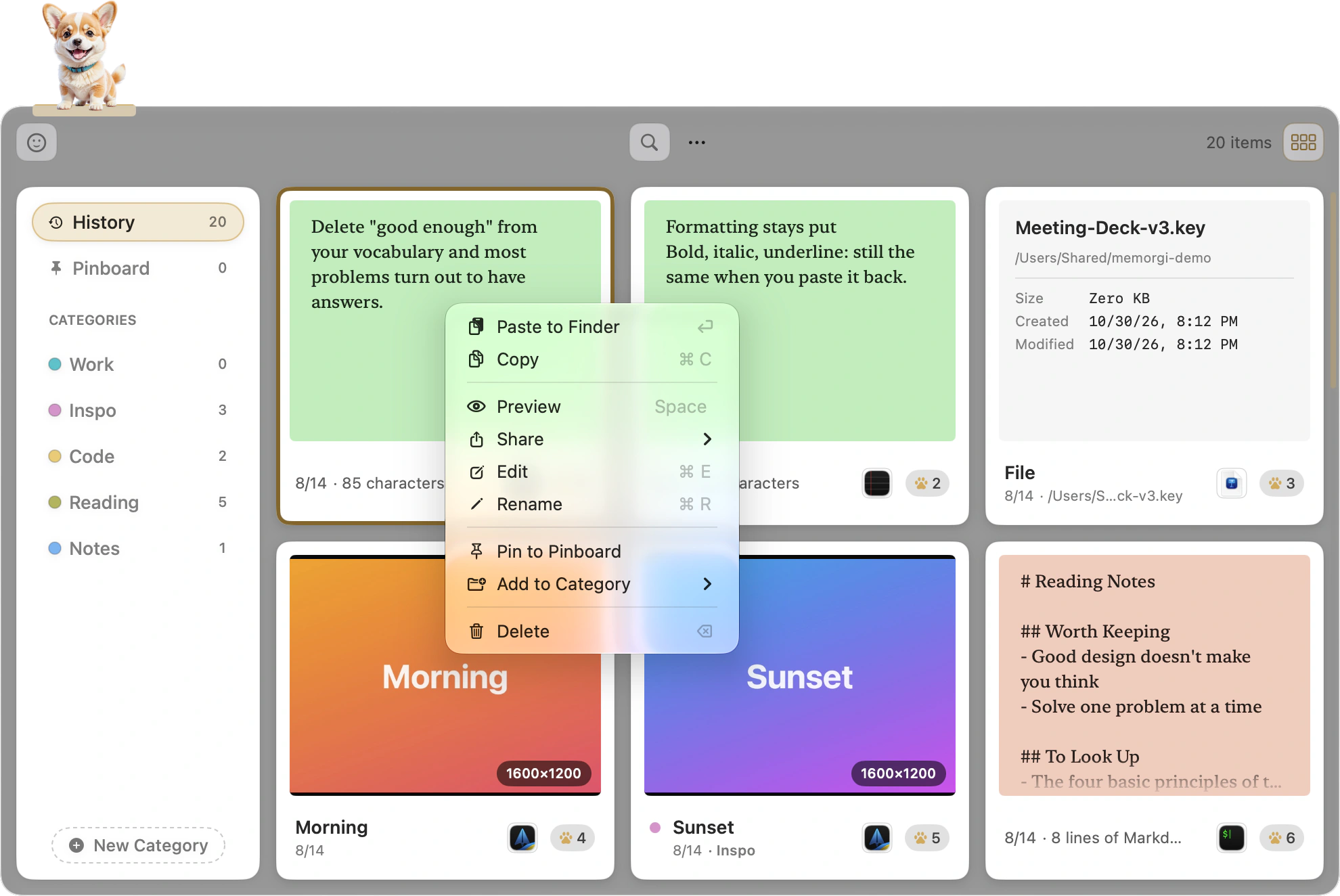
Paste
Return pastes back into the app you were in. ⇧Return strips the formatting first. ⌘1 to ⌘9 send a card straight out. Paste Stack copies a whole run of items, then pastes them in order.
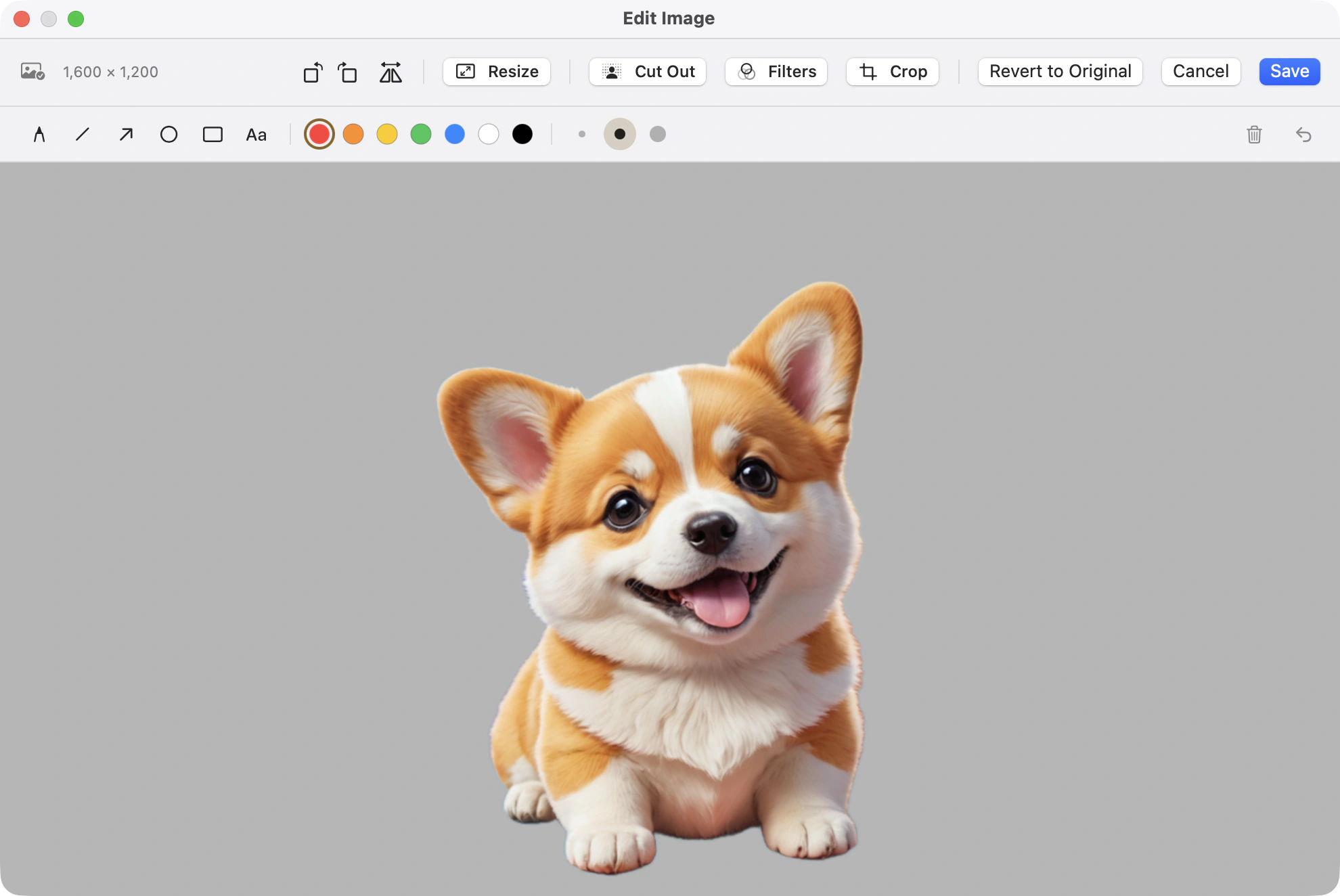
Edit
Grab a screenshot, circle something, write a couple of words, remove the background in one click. Press Return and it lands right in the chat box.
Swap the lining.
21 color schemes for the panel, each in a dark and a light version.
Besides MemorGi’s black and gold, there are 20 more themes, many you’ll recognize from your code editor. Each comes in dark and light and follows the system. They change the panel’s base, the layer that floats above it, and the glow on whatever’s selected. The cards keep their own colors.
MemorGi Black & GoldThere’s no cloud keyhole in this box.
Passwords, ID numbers, messages you haven’t sent, internal company URLs. None of that should leave your Mac, so MemorGi never uploads your history. It goes online for just two things: fetching previews for links you copy, and checking for updates. You can turn off both.
- Nothing is recorded until you say yes the first time you open it.
- No account.
- Works fine offline.
- Anything copied from a password manager is skipped automatically.
- The panel can hide itself while you share your screen.
- Anything that arrives from your iPhone through Universal Clipboard isn’t recorded by default.
A few more things in the box.
- Press Space to preview web pages, PDFs, videos and Office files
- Copy links or Apple Music songs and get cards with titles and covers
- Drag a card straight into any app
- Copy a QR code and let the preview read it
- Spread every card across the screen in Arrange Mode
- Paste an emoji from the panel in one click
- Switch the interface between English, Traditional Chinese and Simplified Chinese
- See how many times you copied today
- Back up automatically to a folder you pick on your Mac

A corgi keeps watch.
It naps on your menu bar. Press ⇧⌘V and it wakes up and fetches the card you want.
Common questions
- How is this different from the clipboard my Mac already has?
- macOS only remembers the last thing you copied. MemorGi keeps every copy as a card, and ⇧⌘V brings them up so you can search, preview, and paste any of them back.
- Where do I get it?
- It’s coming to the Mac App Store soon. No date yet.
- Can my Mac run it? What about Intel?
- If it has an Apple chip and macOS 15 or newer, yes. Intel Macs can’t run it.
- Does it need an account or the internet?
- Neither. No account, works offline, and your clipboard history never gets uploaded. Link previews and update checks are the only things that go online, and you can switch off both.
- How long does it keep my history?
- The last 5,000 items, and no time limit. You can change both in Settings. Pinned cards never leave the box.
- Which languages does MemorGi support?
- English, Traditional Chinese, and Simplified Chinese. It follows your system language by default, and you can switch in Settings.
- Does MemorGi need any special permissions?
- Only Accessibility, so it can paste cards back into your apps and run Paste Stack in order. It never asks for your microphone, camera, or location.
Your last 5,000 copies, each in its own compartment.
Coming soon to the Mac App StoreRequires a Mac with an Apple chip and macOS 15 or later.